

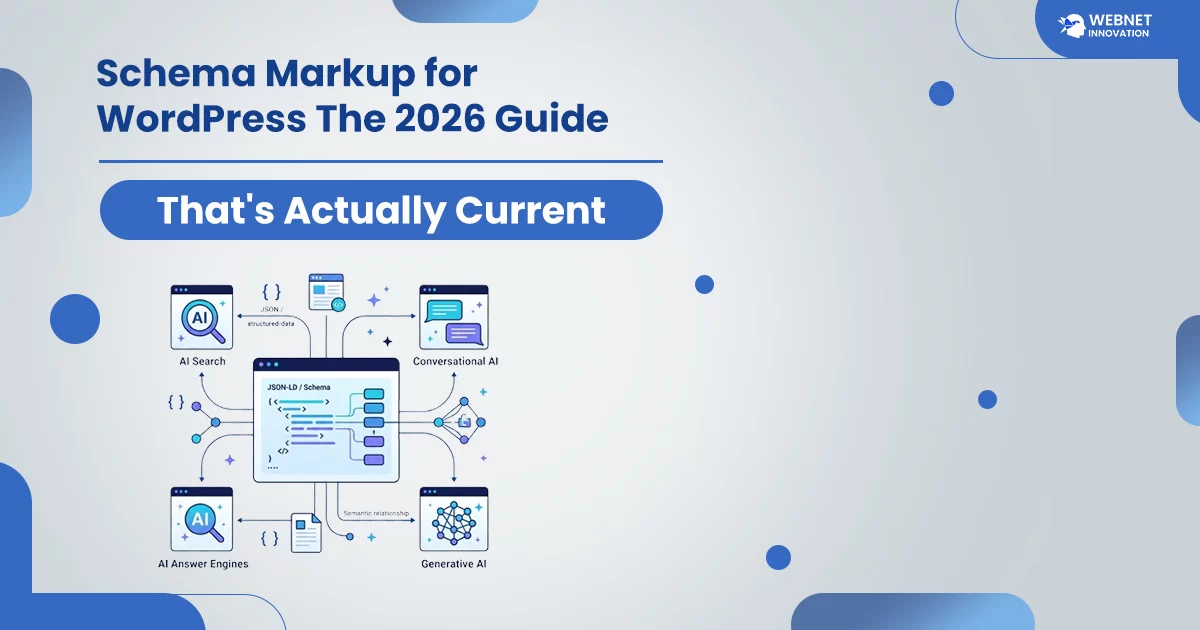
Schema markup is structured code, usually written in JSON-LD, that tells search engines exactly what a piece of content represents — a review, a product, a how-to guide — rather than leaving them to guess. In WordPress, plugins like Rank Math or Yoast add most of this automatically. One important 2026 update: FAQ schema no longer triggers a visible dropdown in Google Search results, though it remains valid and useful for how AI search tools read your content.
Table of Contents
Before we go forward, I want to share something missing from most schema markup guides. It directly updates some of my past advice, and I’d much rather correct it upfront than pretend I never said it. As of 2026, FAQ schema no longer produces the visible question-and-answer dropdown in Google’s regular search results that it used to.
Google made this change to cut down on FAQ schema being added to pages that didn’t actually have real, visible FAQ content — a spam pattern that got out of hand. Your schema is still totally valid and helps search engines understand your content. However, that flashy visual perk people actually install it for?
That’s gone. That’s exactly why schema markup needs a fresh, up-to-date breakdown—not the same recycled advice from two years ago. In this article, you will learn what still works, what changed, and how to actually implement it on a WordPress site without guessing.
What Is Schema Markup and How It Actually Works?
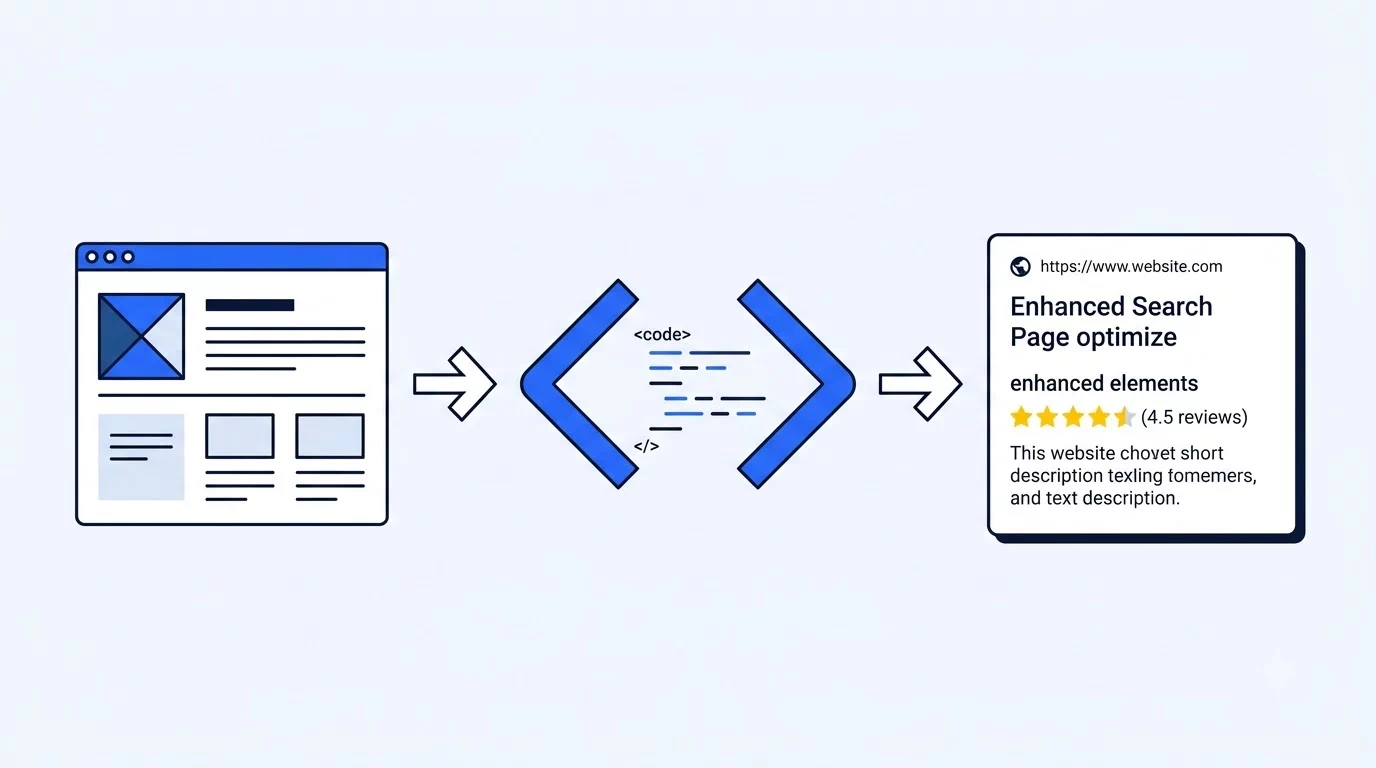
Think of your website in two layers. There’s what a human visitor sees — the text, images, and layout. Then there’s what a search engine or AI tool has to work out on its own by parsing that same content, without the benefit of actually understanding context the way a person does. Schema markup is a shared vocabulary, maintained at Schema.org, that lets you directly label what a piece of content is — this is a review, this is a recipe, this is a job posting — so machines don’t have to guess.
It doesn’t change anything a visitor sees on the page. It’s essentially a translation layer sitting in your page’s code, written almost always now in JSON-LD format specifically because Google has recommended it as the cleanest approach — it keeps the structured data separate from your visible HTML rather than mixing the two together, which makes it easier to maintain and less likely to break your page’s design.
Schema Types Worth Prioritizing for a Small Business Website
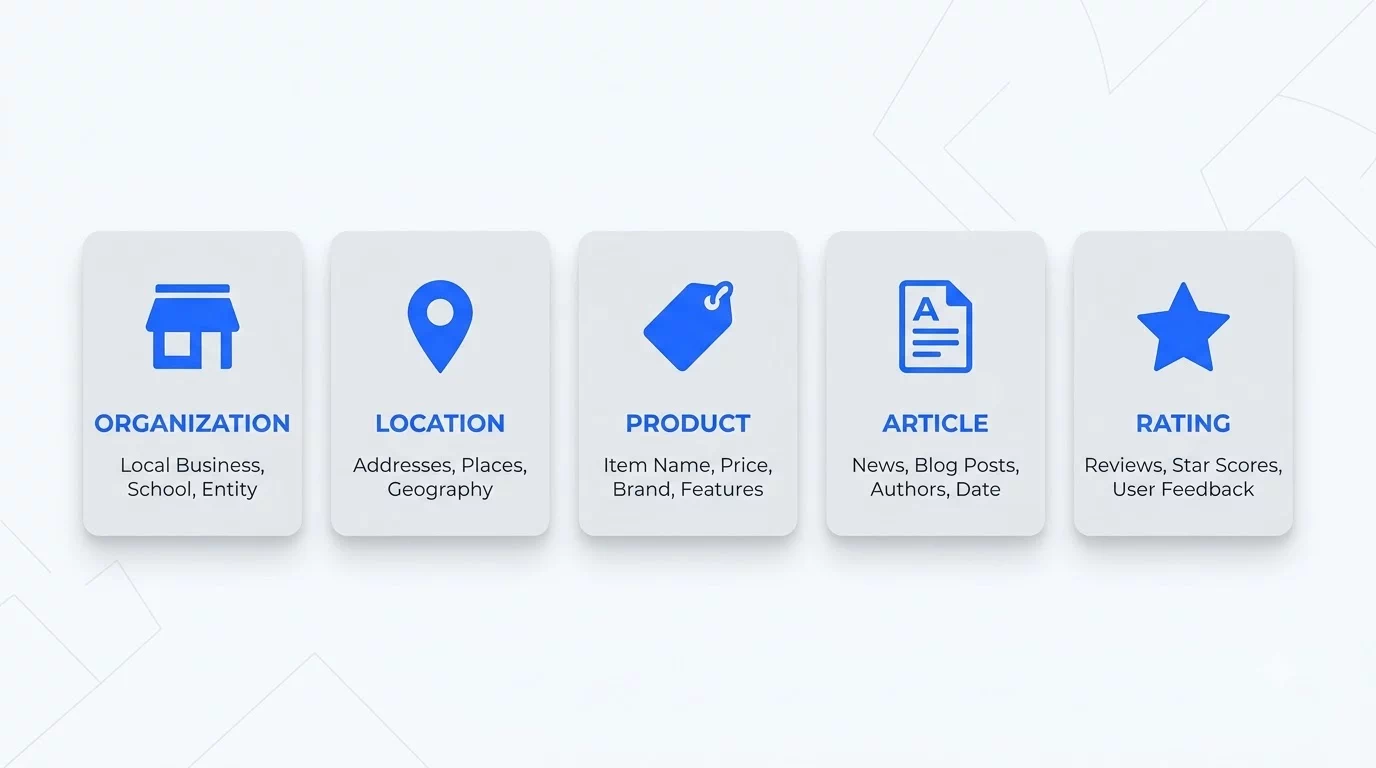
Not every schema type matters equally, and trying to add all of them everywhere is wasted effort. For most small business and WordPress sites, five types cover the overwhelming majority of practical value.
Organization schema establishes your brand identity to search engines — your business name, logo, and social profiles — and feeds into how Google understands and displays your brand in its Knowledge Graph. This is worth adding once, site-wide, rather than per page.
Local Business schema matters specifically if you serve customers in a defined geographic area, since it reinforces the same location and service signals that matter for local search visibility.
Product schema is essential for anything ecommerce — WooCommerce listings specifically fall under this type, and it’s what enables price, availability, and review stars to show up directly in search results.
Article schema applies to blog posts and news-style content, carrying author information, publish date, and modified date — this is one of the types WordPress SEO plugins typically add automatically without you needing to configure much.
Review schema builds trust signals directly into search results through star ratings, and it’s one of the more visually impactful schema types still producing genuine rich results in 2026, unlike the FAQ situation mentioned earlier.
How to Add Schema Markup in WordPress?
For most WordPress site owners, implementation doesn’t require writing any code directly, though understanding what’s happening underneath is still worth knowing.
Rank Math’s free version supports over 20 schema types through its built-in Schema Generator — accessible from the sidebar while editing any post or page. You choose the appropriate schema type and fill the fields that the plugin requests. Then, you leave the creation of proper JSON-LD to it. Yoast SEO provides content block native schema in a comparable way. Although Yoast’s free features set is slightly more limited than Rank Math, it is still useful. If a plugin gives limited options or you’re using a custom theme you can always add the JSON-LD script manually.
You can use a code snippet plugin like WP Code Snippet for simple implementation without any hassle, or just place it in your theme file. Whichever method you applied, you still have to validate it. Google’s Rich Results Test focuses strictly on whether your page qualifies for search visual upgrades. On the other hand, the Schema.org Validator checks your code for general syntax errors across all schema types—even those Google ignores. It’s worth checking Search Console’s Enhancements section two to four weeks after adding new schema to confirm Google has actually recognized and started using it — implementation and recognition aren’t the same moment.
Common Schema Markup Mistakes
A handful of mistakes account for most of the schema problems I come across when reviewing WordPress sites.
Marking up information that isn’t actually visible on the page is treated by Google as a policy violation, not just sloppy practice — if your schema claims a five-star rating but no visible reviews or rating appear anywhere on the page, that’s a real risk, not a minor technicality.
Copying schema from a competitor’s site as a starting template and forgetting to update the business name, address, or URLs happens more often than you’d expect, and it quietly tells search engines incorrect information about your own business.
Using FAQ schema on a page without genuine, visible question-and- answer content is worth avoiding now more than ever, given the 2026 policy tightening — and even setting the rich-result change aside, it was always poor practice to add schema for content that isn’t actually there. Duplicate schema blocks — the same schema type added once through a plugin and again through a manual code snippet — create conflicting data that can confuse rather than help. And a caching plugin serving an old cached version of a page indefinitely after a schema update can mean your changes never actually reach Google, even though they’re correctly saved in WordPress.
Final Thoughts — Correct Beats Comprehensive
The instinct with schema markup is often to add as many types as possible, hoping something sticks. What actually works better is the opposite — a smaller number of schema types, applied accurately, to content that genuinely matches what the markup claims. Google’s own policy tightening around FAQ schema is a pretty direct signal of how seriously it takes markup accuracy versus just checking a technical box. This is part of the same technical foundation I build into every WordPress project — schema markup sits right alongside things like proper HTTPS setup and a clean on-page SEO checklist, all quietly working together rather than any single one carrying the whole effort. If your site’s technical SEO foundation hasn’t been reviewed in a while, this is exactly the kind of detail that’s easy to get wrong silently — and exactly the kind of thing I help clients get right as part of the affordable web design services I offer.
Frequently Asked Questions — Schema Markup for WordPress
Does adding schema markup guarantee my page gets rich results in Google?
No, and this is worth being clear about. Correct schema markup makes a page eligible for an enhanced search result — it doesn’t guarantee Google will actually display one. Google independently decides whether to show a rich result based on a combination of factors beyond just valid markup, including overall page quality and search context. Adding schema is a necessary step, not a guaranteed outcome.
Is FAQ schema still worth adding if it doesn’t create a rich result anymore?
Yes, for a different reason than before. The visible search dropdowns might be gone, but Q&A markup still does heavy lifting behind the scenes. It makes your content easy for Google and AI engines to parse and feature in direct answers. The visual payoff changed, but the underlying value for how Google and AI decide which website ranks first hasn’t disappeared entirely.
Which schema plugin is better for WordPress — Rank Math or Yoast?
For sheer breadth of supported schema types, Rank Math’s free version generally offers more out of the box, supporting over 20 types compared to Yoast’s narrower free selection. For the most commonly used types specifically — Article, FAQ, and HowTo — both handle the job well, just through slightly different interfaces. The better choice usually comes down to which plugin you’re already using for broader SEO rather than switching solely for schema features.
Can I use more than one schema type on a single page?
Yes, and for most content-rich pages this is actually expected rather than unusual. A typical blog post might carry Article schema automatically from your SEO plugin, FAQPage schema for a Q&A section, and BreadcrumbList schema for navigation — all as separate JSON-LD blocks on the same page without conflict, as long as each one accurately reflects real, visible content on that page.
How do I know if my schema markup is actually working correctly?
Run the page through Google’s Rich Results Test first to confirm the markup is technically valid and eligible for enhanced results. Then check Google Search Console’s Enhancements section two to four weeks later — this is where you’ll see whether Google has actually recognized and is actively using specific schema types across your site, which is the real confirmation that implementation succeeded.