

The three best WordPress plugins to protect your website in 2026 are Wordfence, Sucuri, and MalCare. Wordfence offers the strongest all-in-one free protection with a built-in firewall and malware scanner. Sucuri provides cloud-based firewall protection that filters threats before they reach your server. MalCare focuses on automatic malware cleanup without slowing your site down. Each suits a different situation, which this guide breaks down clearly.
Table of Contents
I get asked this question often enough that I decided to put a proper answer in writing: which plugin should I actually install to protect my WordPress website? The honest answer is that there is no single best plugin for every situation — but there are three that consistently come up as the right choice depending on what you actually need, and I want to walk through exactly when each one makes sense rather than just handing you a generic list.
If you have already read my guide on signs your WordPress website has been hacked, you know how much damage a compromised site can cause — lost rankings, lost trust, and a recovery process that eats up time you don’t have. The plugins below are specifically about preventing that situation from happening in the first place.
Why You Need a Security Plugin in the First Place?

WordPress powers roughly 43% of all websites on the internet, and that scale is exactly why it gets targeted so heavily. Most attacks against WordPress sites are not personal or targeted — they are automated bots continuously scanning for the same handful of common weaknesses across millions of sites at once: outdated plugins, weak passwords, and exposed login pages. A security plugin doesn’t make your site invisible to these scans. It makes your site the kind of target these automated attacks give up on quickly, because the firewall and monitoring make exploitation slower and harder than moving on to an easier site.
#1 Best WordPress Plugin to Protect WordPress Website: Wordfence
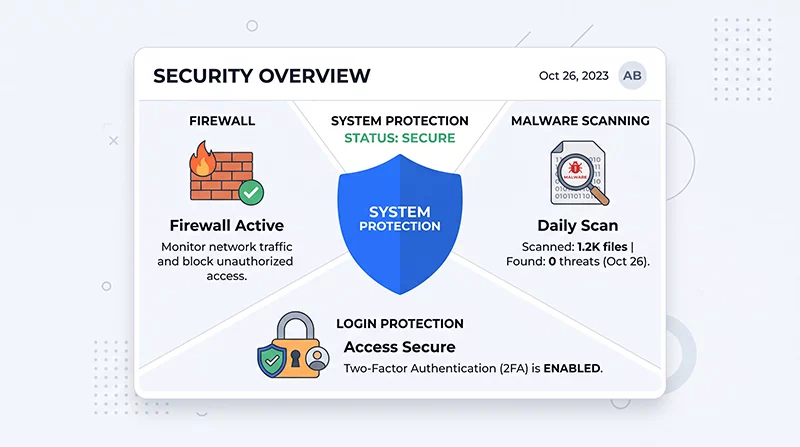
Wordfence is the one I recommend most often, and it’s also the most widely used WordPress security plugin available, active on several million websites. What makes it stand out is that it runs directly inside WordPress rather than relying entirely on an external service, which means the firewall and malware scanner have deep visibility into what’s actually happening on your specific site — including authenticated user actions that a purely external, cloud-based tool would never see.
The free version genuinely holds up. It includes a functional web application firewall, a malware scanner that checks your core files, themes, and plugins against verified originals, brute-force login protection, and two-factor authentication for every user role at no cost. In my own testing and from what other developers consistently report, that free two-factor authentication feature alone prevents more break-ins than almost any other single setting, simply because it stops the automated password-guessing attacks that make up the bulk of WordPress login attempts.
The one real limitation on the free tier is a 30-day delay before new firewall threat rules reach free users — premium subscribers get them immediately. For most small business sites, that delay is a manageable tradeoff. For a site handling real transactions or one that has been targeted before, the premium plan (currently around $149 per year) closes that gap and adds a live attacker IP blocklist.
Best for: Site owners who want the most complete protection inside a single free plugin, and who don’t mind a small amount of server resource usage in exchange for that depth of visibility. I have personally been using this plugin on my website for the last 8 years. It is protecting my website from 10K hacking attacks per day.
Wordfence vs Sucuri vs MalCare — How the Other Two Compare
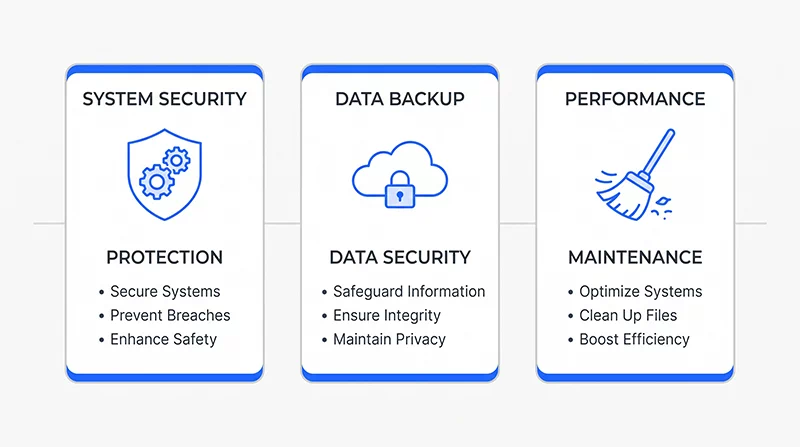
Sucuri takes a fundamentally different approach worth understanding before choosing between them. Instead of running primarily inside WordPress, Sucuri’s paid firewall operates at the DNS level — meaning malicious traffic gets filtered out before it ever reaches your hosting server at all. For a site on shared or budget hosting with limited CPU resources, this matters more than it might sound, because your server never has to process the attack traffic in the first place. The free Sucuri plugin itself is more of an auditing and monitoring tool — file integrity checks, blacklist monitoring, and hardening recommendations — but the actual firewall requires their paid service, starting around $199 per year. If your site does get compromised, Sucuri’s team handles the cleanup directly as part of paid plans, which some site owners find worth the price on its own.
MalCare solves a specific frustration I’ve run into with other scanners — a plugin that tells you “you have malware” and then leaves the actual removal entirely up to you or a paid support ticket. MalCare’s scanning runs on their cloud infrastructure rather than your own server, so it doesn’t slow your site down during scans, and their premium plan (around $99 per year) includes one-click automatic malware removal without waiting on support. For a non-technical business owner who wants “problem detected, problem fixed” rather than a list of files to manually investigate, this is genuinely the most beginner-friendly option of the three.
How to Choose a WordPress Security Plugin for Your Situation?

Rather than telling you there’s one universal answer, here’s how I actually help clients decide between these three:
If you manage the site yourself and want the deepest, most complete protection without paying anything to start, Wordfence’s free version is where I’d point you. If your site is on shared or budget hosting and performance under attack traffic is a real concern, Sucuri’s cloud-first approach protects your server resources in a way a purely in-WordPress plugin cannot. And if you want the least hands-on option — where a problem gets fixed automatically instead of just flagged — MalCare’s premium plan removes the technical burden almost entirely.
One thing worth saying clearly: running more than one full security plugin at the same time usually causes conflicts rather than double protection, since their firewalls and scanners can interfere with each other. Pick one, set it up properly, and pair it with the security fundamentals — regular updates, strong passwords, and current backups — that no plugin can fully replace on its own.
Free WordPress Security Plugins Worth Knowing About
Besides these three main suggestions, there are some free and focused tools worth mentioning. For those who can’t afford to get a site hacked, Solid Security (formerly iThemes Security) offers a beginner-friendly free tier that’s a great way to secure shared hosting. All-In-One Security (AIOS) is completely free with one of the more generous feature sets available at no cost, though its firewall relies on .htaccess rules rather than a dedicated application firewall, making it less robust than Wordfence or Sucuri for serious threats. Jetpack Protect is worth a mention specifically for its vulnerability database — if you just want to know which of your installed plugins have known security issues, it does that one job well.
Final Thoughts — Pick One, Set It Up Properly, Move On
None of these three plugins are wrong choices. What actually matters more than which one you pick is setting it up correctly and keeping it active — a security plugin installed and then never checked again provides far less protection than one that’s actively monitored, even occasionally. I’d rather see a client running the free version of Wordfence and checking it monthly than the most expensive premium tool installed once and forgotten.
If your website was built without security in mind from the start, that’s worth addressing alongside everything else. I build security fundamentals into every project I take on, whether that’s a full new build or one of my affordable web design services packages — because retrofitting security onto a website after a breach costs far more, in both money and lost trust, than including it properly the first time. If you’re also working on visibility alongside security, pairing this with a solid local SEO for small business in India strategy means a hacked, de-indexed website doesn’t undo months of ranking progress in a single bad week.
Frequently Asked Questions — WordPress Security Plugins
Is a free WordPress security plugin enough for a small business website?
For most small business websites without high-value transactions or sensitive user data, a properly configured free plugin like Wordfence provides solid, genuinely useful protection. The main tradeoff is the delay on the newest firewall rules and the lack of guaranteed cleanup service if something does get through. If your site handles payments directly or has been targeted before, upgrading to a paid tier or adding a managed cleanup service becomes a more reasonable investment relative to the cost of downtime and recovery.
Can a security plugin slow down my WordPress website?
Plugins that run entirely inside WordPress, like Wordfence, do use some server resources during scans and firewall checks, which can be noticeable on lower-tier shared hosting. Cloud-based options like Sucuri’s paid firewall or MalCare’s scanner run outside your server entirely, which avoids this issue. If site speed is already a concern, pairing a cloud-based security tool with good hosting will generally perform better than a resource-heavy in-WordPress plugin on a slow server.
Do I still need regular backups if I have a security plugin installed?
Yes, and this isn’t optional. A security plugin reduces the chance of a successful attack and helps you detect one faster, but it does not replace a backup. If something does get through — and no plugin guarantees 100% prevention — a recent, clean backup is what actually allows a fast recovery instead of a lengthy manual cleanup. Store backups somewhere other than your main hosting account so a compromised server can’t take your backup down with it.
How much does a good WordPress security plugin cost?
Solid protection is available for free through Wordfence’s free tier, which covers the essentials well. Paid options generally range from around $99 per year for MalCare’s automated cleanup plan to roughly $149 to $199 per year for Wordfence Premium or Sucuri’s managed firewall service. For most small business websites, this is a modest cost relative to the potential loss of revenue, rankings, and customer trust that a successful hack can cause.